




Description
Download Hitch Radio – internet radio, social listening, real-time music sharing, online radio, music discovery, radio app, music streaming, live radio, music chat, social music, music party, group listening, music sharing, social audio
Overview
Hitch Radio is a desktop application designed to blend internet radio with social interaction, aiming to create a shared listening experience. The software allows users to join or host live radio sessions where multiple individuals can tune in simultaneously to the same station. One user acts as the "driver," selecting the music, while others "hitch rides" to listen in. This model encourages real-time engagement through messaging, with users able to send "taps" during playback to communicate with one another. The core purpose is to foster connection through shared music experiences, particularly among friends or small groups. It targets casual music enthusiasts and social users who value collaborative listening over traditional solo consumption. The developer, Hitch Radio, has positioned the product as a hybrid between a music streaming service and a social network, though it does not fully deliver on either front. While the concept is innovative, its execution appears to fall short of creating a distinct niche. Real-world use cases include virtual hangouts, remote parties, or casual music discovery sessions with friends. The software’s functionality is limited to audio streaming and basic messaging, with no additional multimedia or content-sharing features.
Key Features & Capabilities
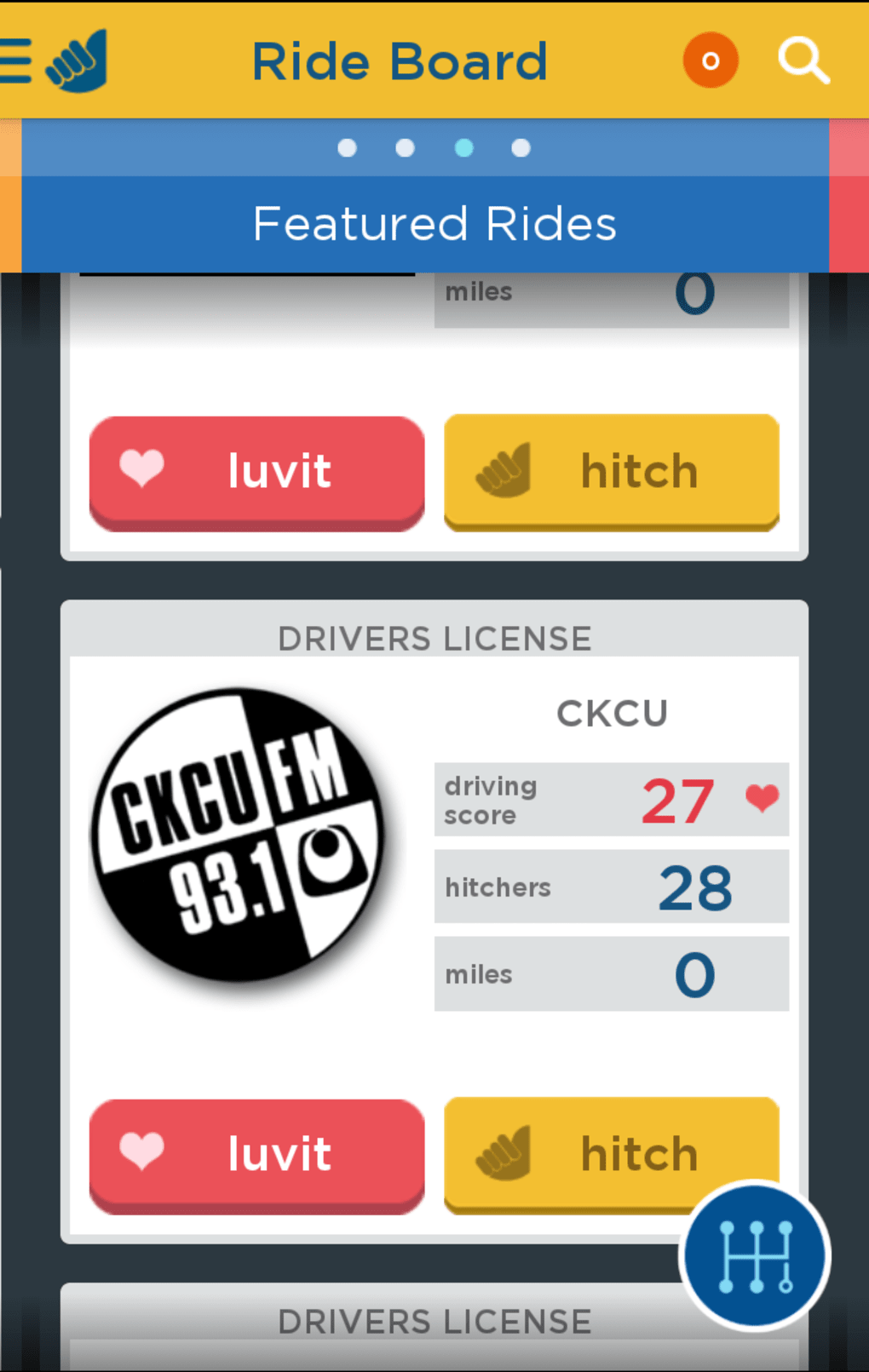
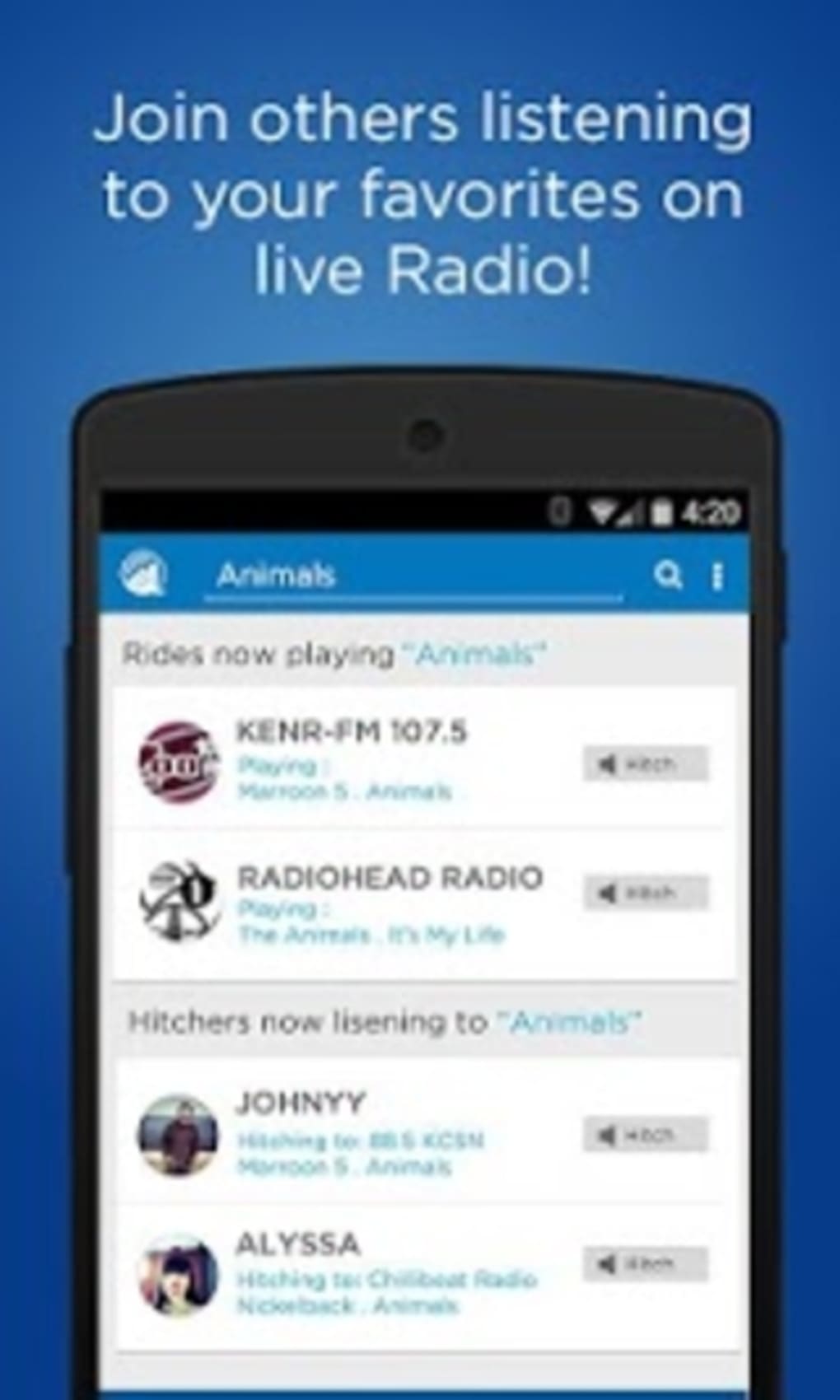
- Real-Time Group Listening – Users can host or join live radio sessions where everyone listens to the same station simultaneously. Ideal for remote gatherings or shared music experiences.
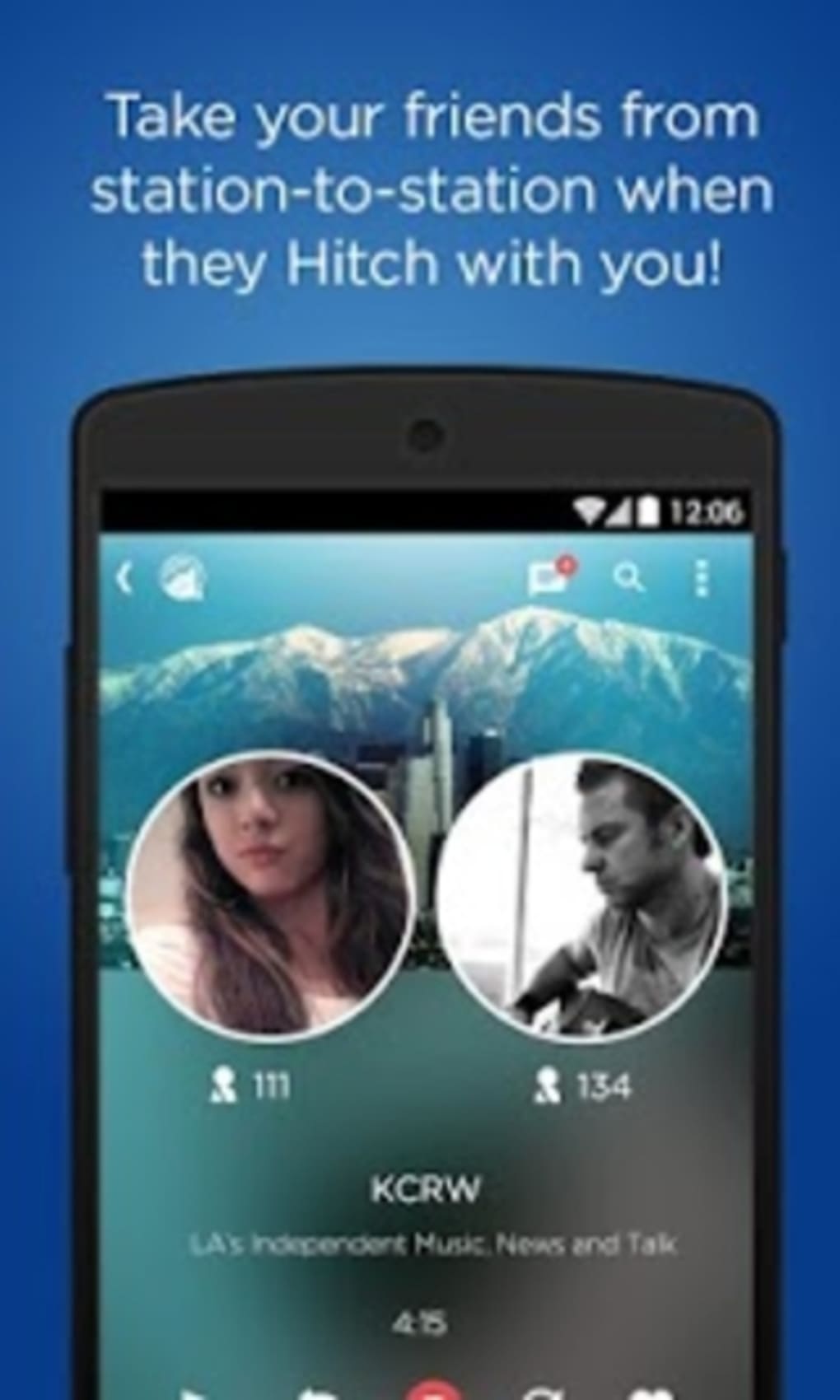
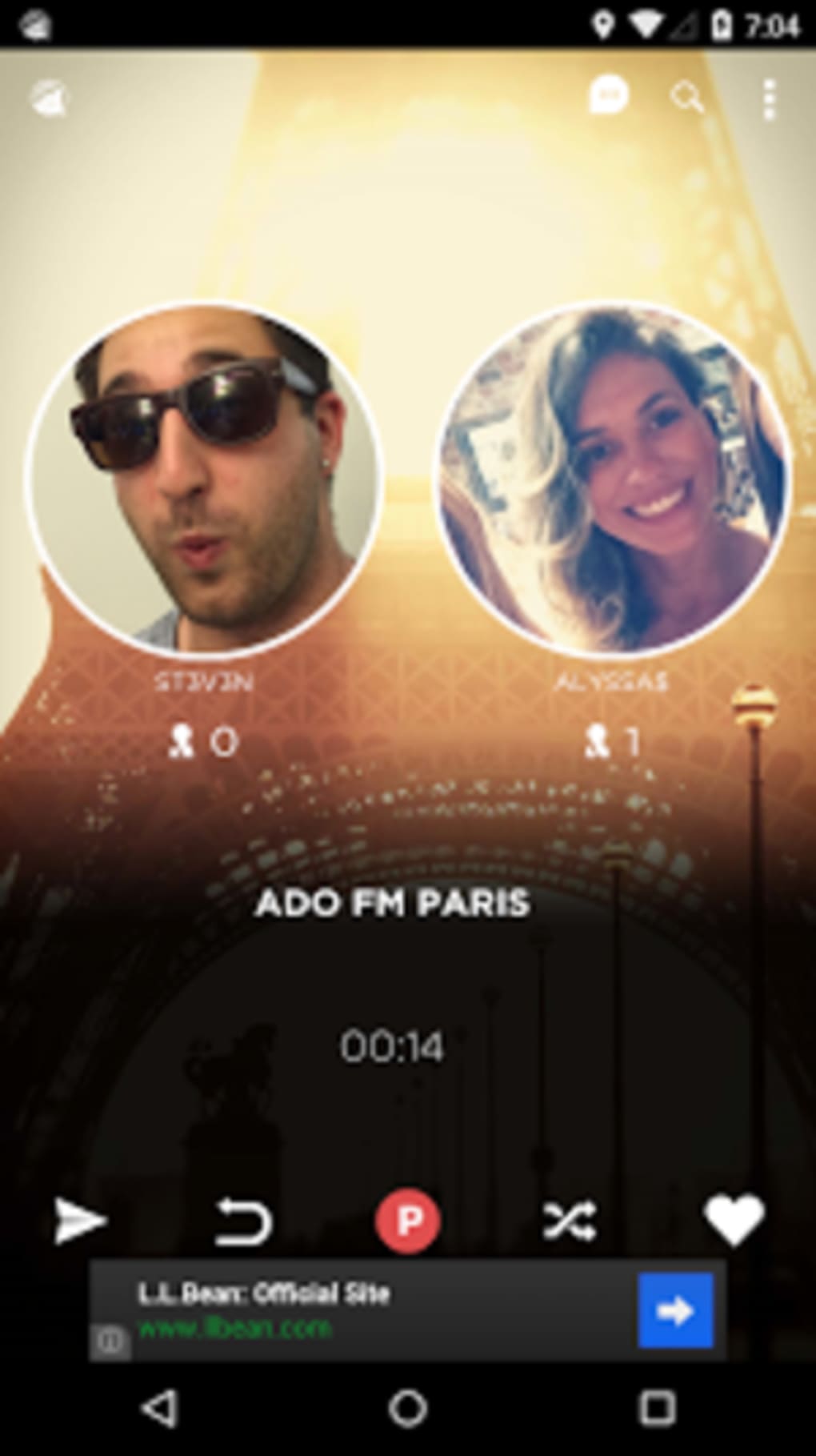
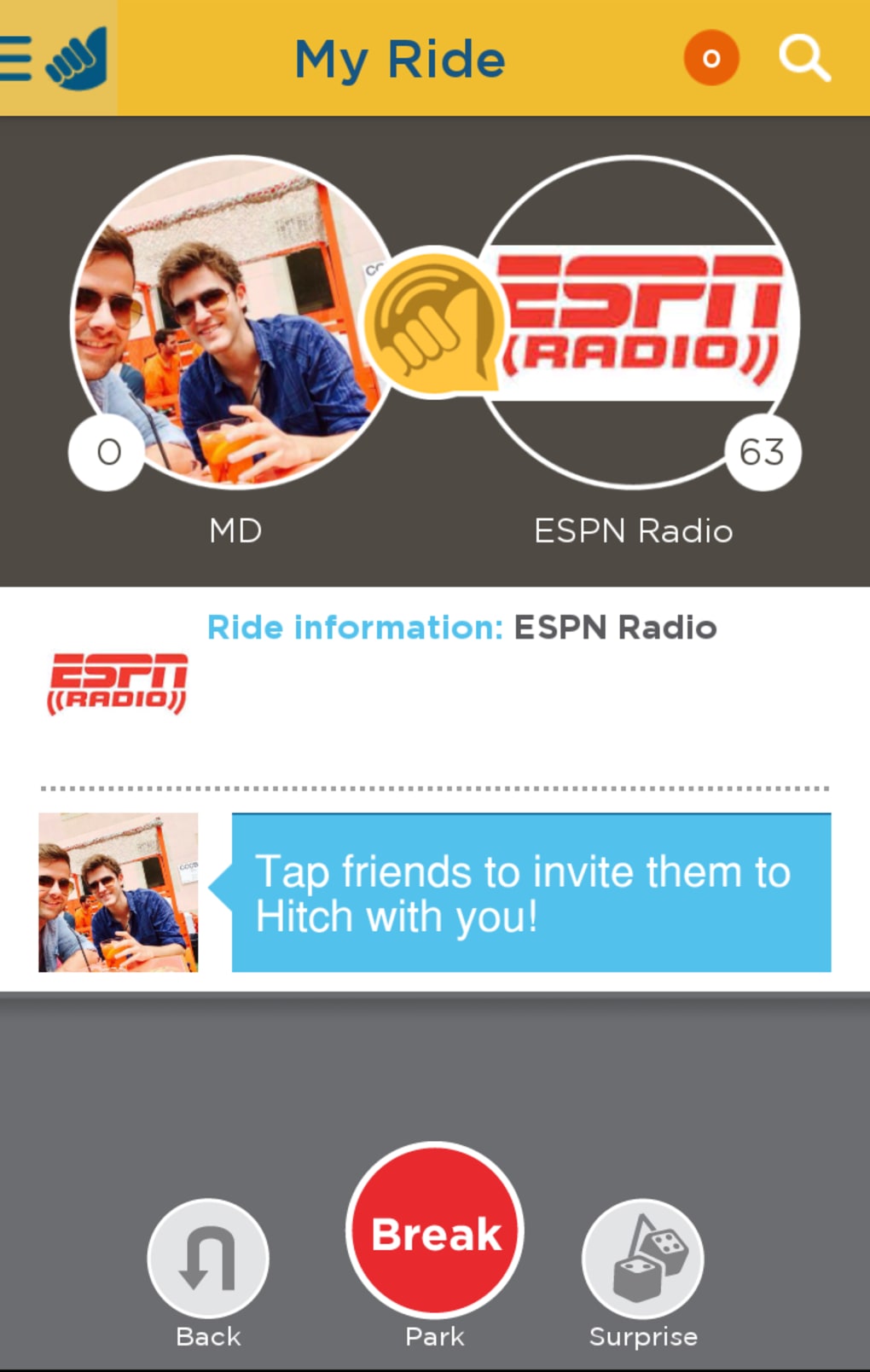
- Role-Based Interaction – One user acts as the "driver" who selects the station, while others are "riders" who tune in. This structure adds a layer of social dynamics to the listening process.
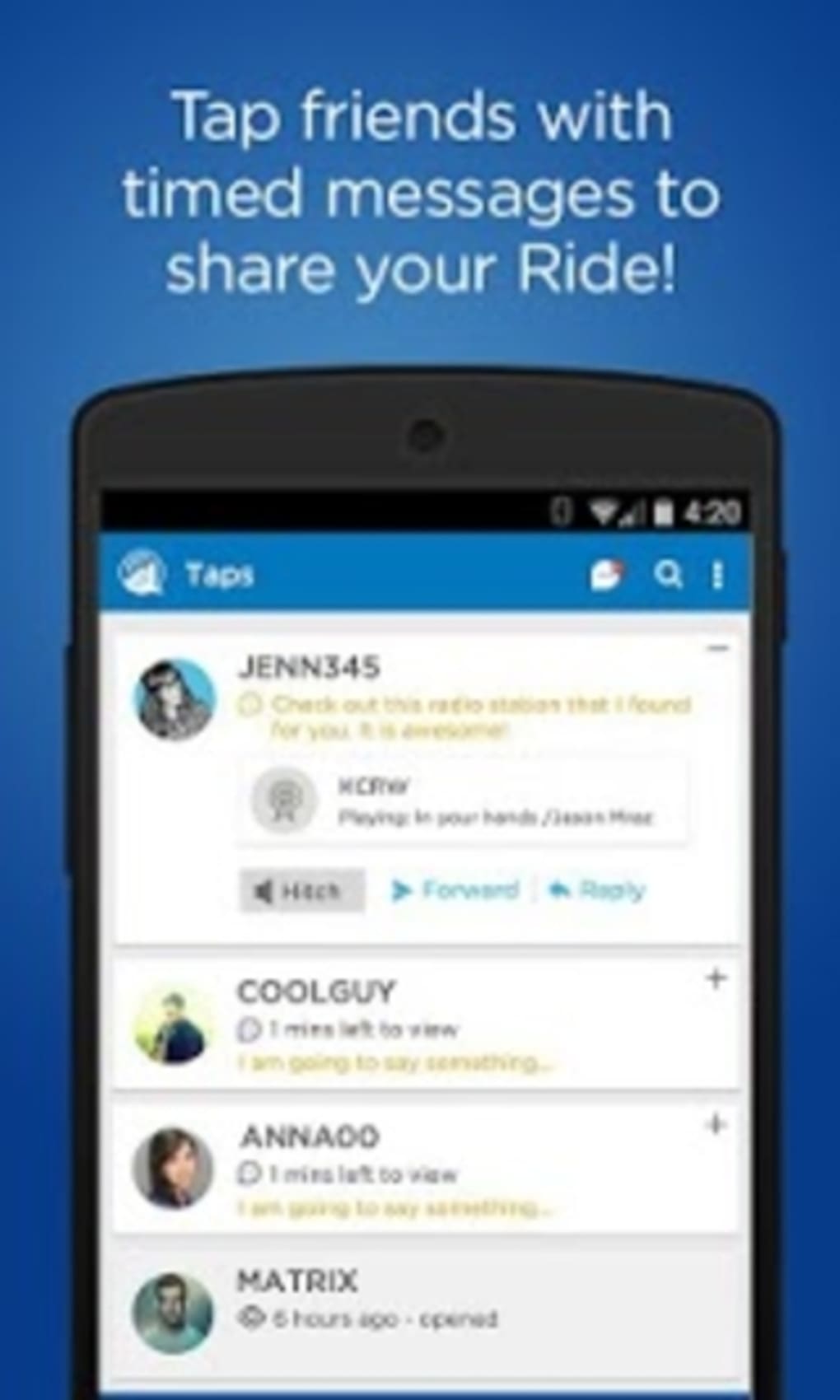
- Live Messaging ("Taps") – Users can send real-time messages during playback, enabling conversation and interaction while music plays. This feature supports casual chat during shared listening.
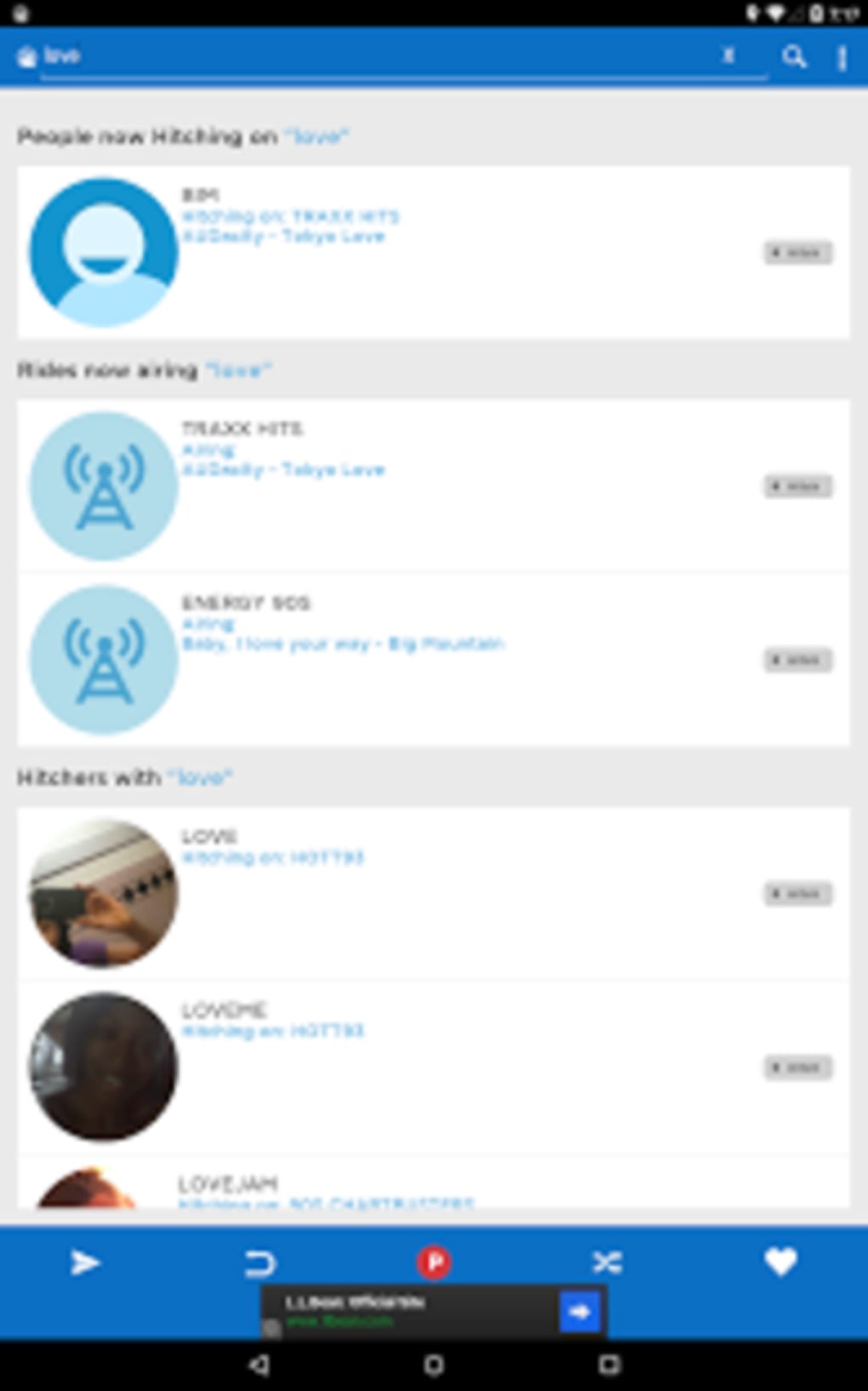
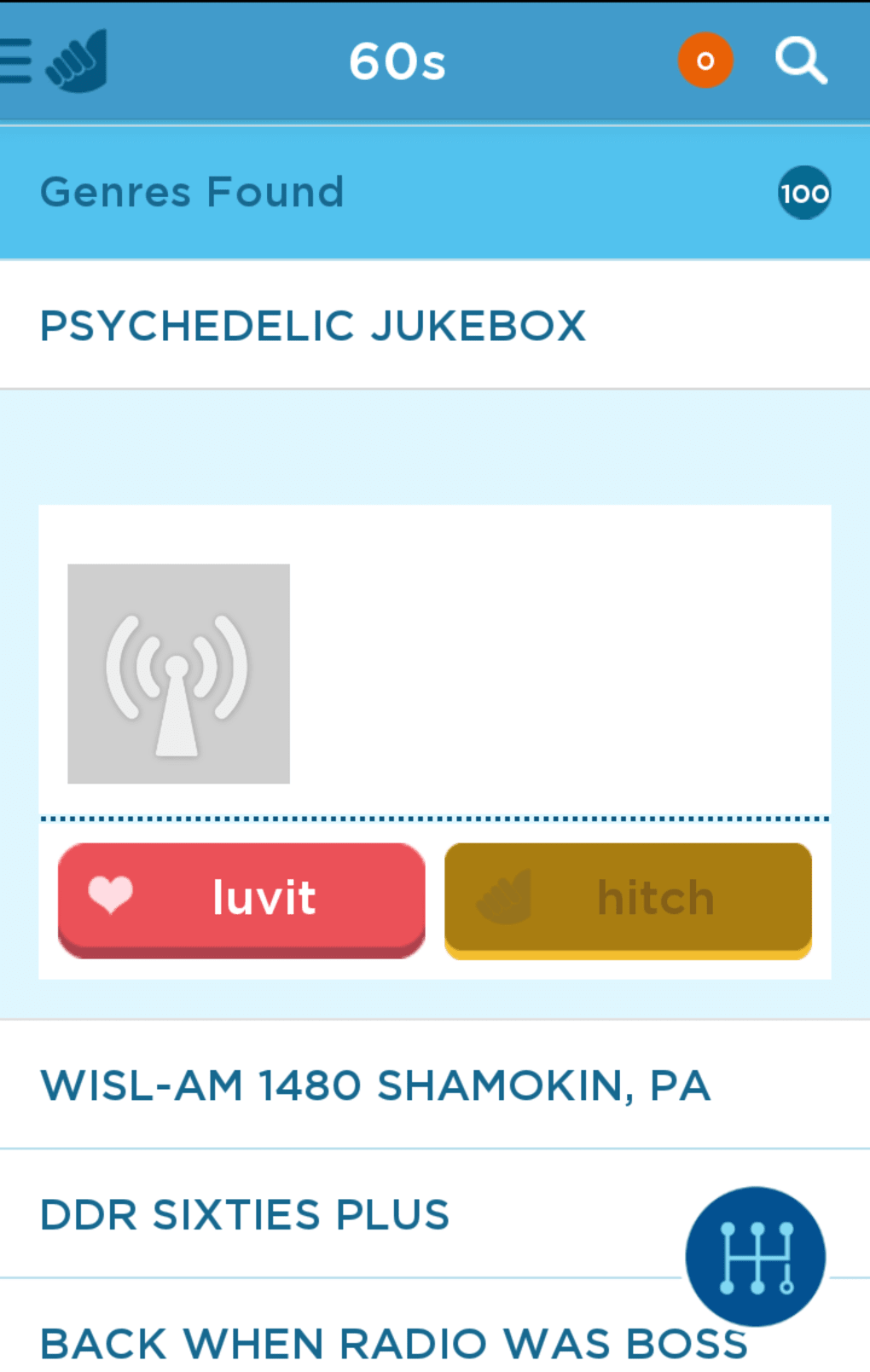
- Music Discovery – By accessing a variety of internet radio stations, users can explore new music and genres through shared listening sessions.
- Multi-Platform Availability – The software is available for both Windows and Mac, allowing cross-platform access for users on different operating systems.
These features are designed to enhance social engagement around music. For example, a group of friends could host a virtual music party where one person selects a station and others join in, sending taps to react to songs. The system supports casual, spontaneous interactions without requiring complex setup. However, the lack of advanced controls, playlist management, or content moderation limits its depth. The software does not include features like audio recording, song identification, or user profiles beyond basic session roles. The focus remains on simplicity and immediacy, which may appeal to users seeking a lightweight social audio experience.
User Interface, Workflow & Performance
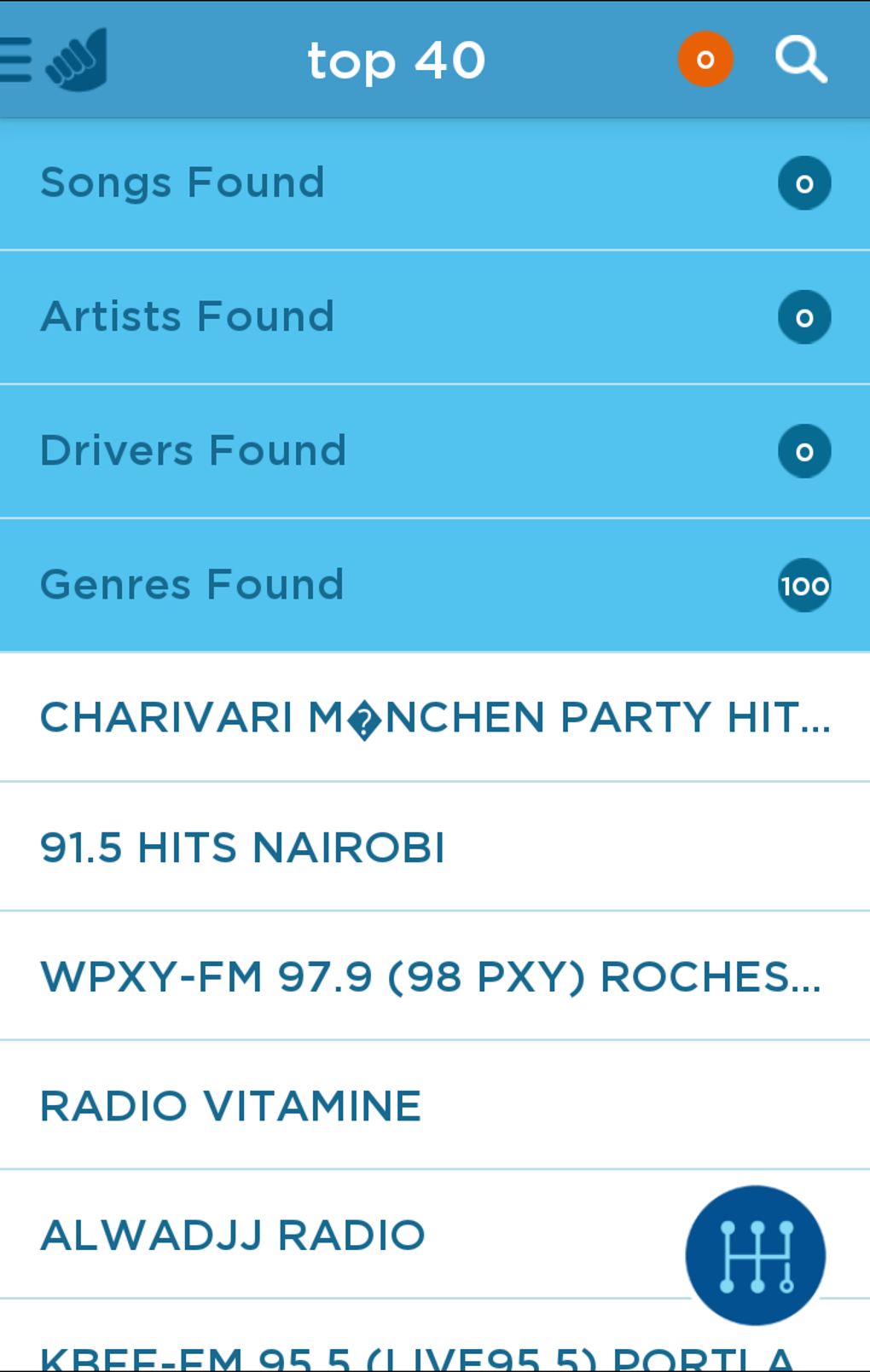
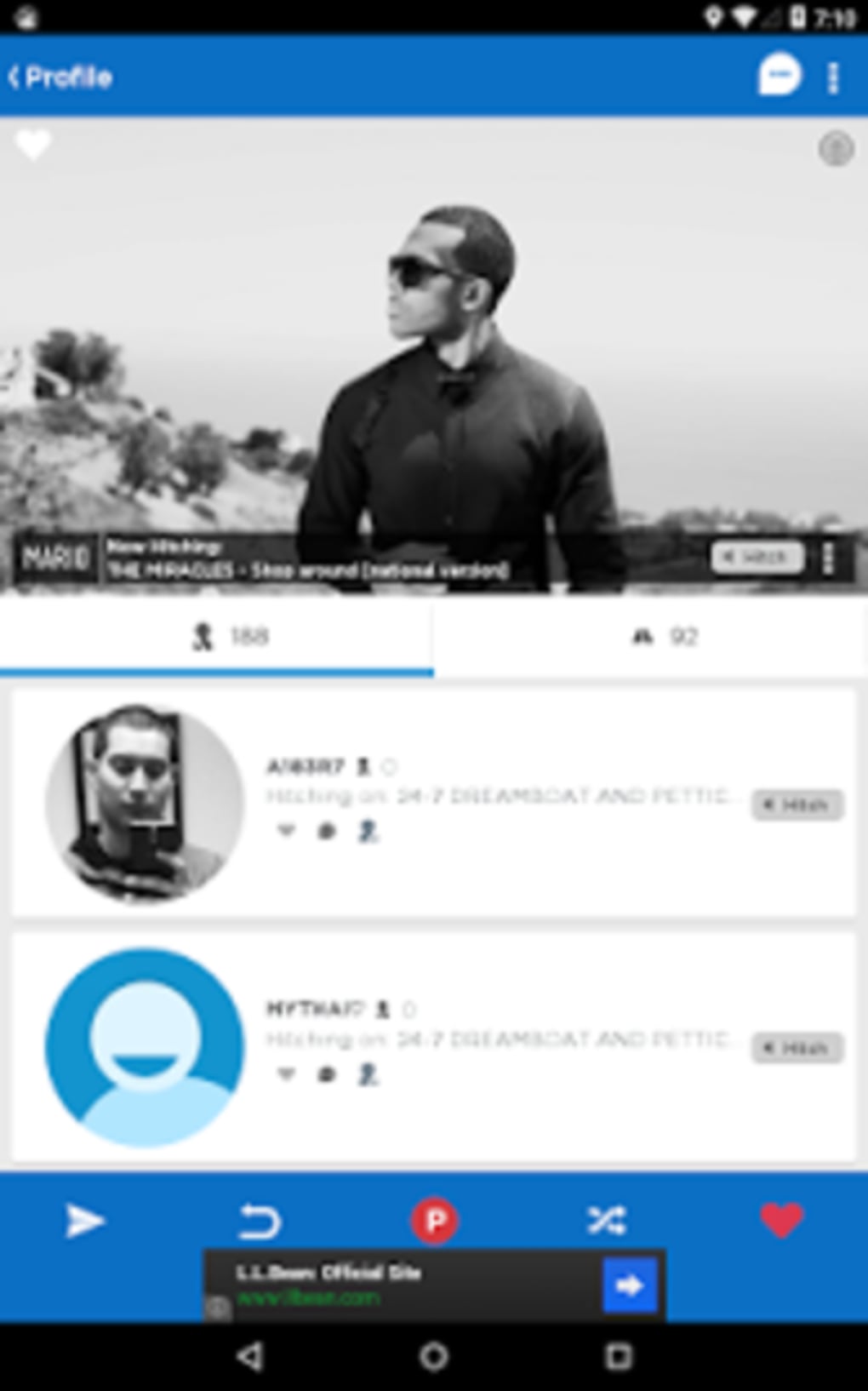
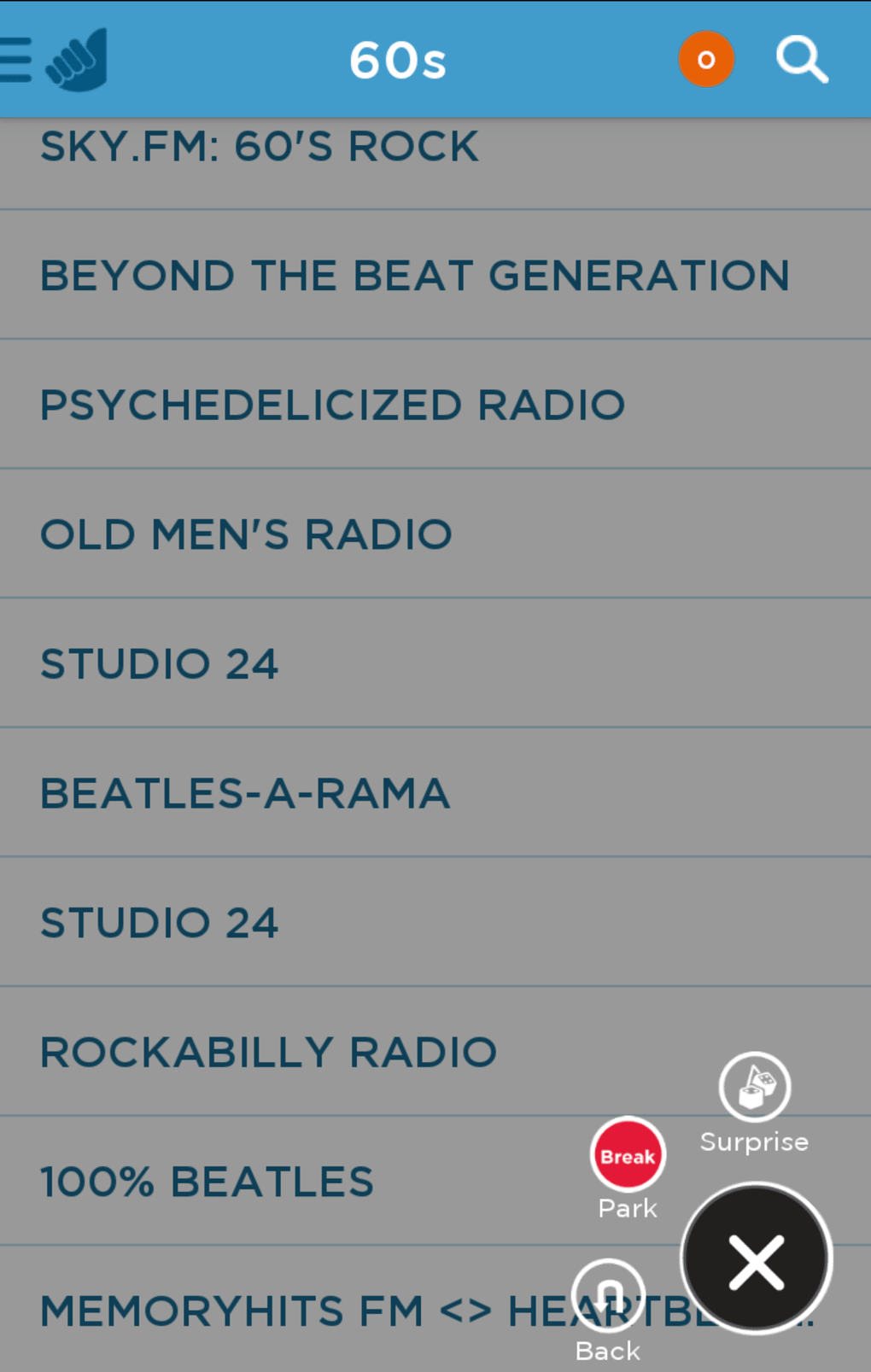
The user interface of Hitch Radio appears to prioritize simplicity and real-time interaction. The layout likely centers around a playback control panel, station selection interface, and a messaging window for "taps." Navigation is expected to be intuitive, with minimal onboarding required to begin hosting or joining a session. Users can likely start a session with a single click, and others can join via a shared link or session code. The workflow is streamlined for immediate use, minimizing setup time. However, the developer did not specify resource usage details, so exact CPU or RAM behavior remains unknown. Performance observations are based on general software behavior patterns. Stability during long listening sessions or multiple concurrent users was not disclosed. The application is reported to be lightweight at 35.2 MB, suggesting efficient resource use. No information was provided about background processes, startup time, or responsiveness under load. The absence of performance benchmarks limits the ability to assess reliability in extended use. Overall, the interface seems designed for ease of access, though deeper customization options are not indicated.
Compatibility & System Requirements
Hitch Radio is available for both Windows and Mac operating systems. The software version is 1.0.2, with a file size of 35.2 MB. This indicates a compact installation package suitable for systems with limited storage. The developer did not provide additional system requirements. Exact hardware specifications, such as minimum processor speed, RAM, or graphics capabilities, were not listed. Compatibility information was partially provided. No details were given about support for older OS versions, accessibility features, or peripheral integration. The application likely requires a stable internet connection for streaming, though this was not explicitly confirmed. Users should ensure their system meets general desktop application standards for running audio software. The lack of detailed system requirements may affect user confidence, particularly on low-end or legacy hardware.
Pros and Cons
Pros
- Lightweight at 35.2 MB, suitable for quick installation.
- Free to download and use, with no upfront cost.
- Offers real-time group listening for social music experiences.
- Simple interface with minimal setup for hosting or joining sessions.
- Supports cross-platform use on Windows and Mac.
Cons
- Does not fully deliver as either a social network or a radio app.
- Limited functionality compared to dedicated music or chat platforms.
- No detailed system requirements provided.
- Basic messaging ("taps") lacks advanced features like message history or reactions.
- Unclear long-term stability and performance under sustained use.
FAQ Section
Is Hitch Radio available for both Windows and Mac?
Yes, the software is compatible with both Windows and Mac operating systems.
Is Hitch Radio free to use?
Yes, Hitch Radio is available at no cost. There are no subscription fees or in-app purchases mentioned in the provided details.
Can I use Hitch Radio offline?
Based on the described functionality, Hitch Radio requires a stable internet connection to stream radio stations and enable real-time interaction. Offline use is not supported.
How do I join a listening session?
Users can join a session by accessing a shared link or session code provided by the host, who acts as the "driver."
What type of license does Hitch Radio use?
The software is distributed as free-to-use desktop software. The specific license type was not provided in the available information.
Final Thoughts
Hitch Radio presents a novel concept—merging internet radio with real-time social interaction. While the idea of group listening with live messaging is engaging, the software struggles to establish itself as a cohesive platform. It doesn’t fully succeed as a social network due to minimal user profiles and interaction depth, nor does it stand out as a music streaming service with limited station variety and no advanced features. The lightweight design and free access make it accessible, but the execution feels underdeveloped. It’s best suited for casual users seeking a simple way to share music with friends. For those looking for a robust social audio experience, more mature alternatives exist. However, for a quick, no-frills way to listen together online, Hitch Radio offers a functional, if modest, solution. Download Hitch Radio now.
Guides & Tutorials for Hitch Radio
How to install Hitch Radio
- Click the Preview / Download button above.
- Once redirected, accept the terms and click Install.
- Wait for the Hitch Radio download to finish on your device.
How to use Hitch Radio
This software is primarily used for its core features described above. Open the app after installation to explore its capabilities.
User Reviews for Hitch Radio 0
No reviews found





